We built an invite-only client portal for a bookkeeper. Here's how it keeps clients apart
By Matthew, Developer · · 4 min read
In short: From one prompt, TypeAnApp built an invite-only client portal for a bookkeeping practice: clients see only their own documents, tasks and messages, send their receipts privately, and the bookkeeper manages everyone from one Clients page. It took three messages, about nine minutes and 33.1 build credits. Ledger Lane Bookkeeping is an example business.
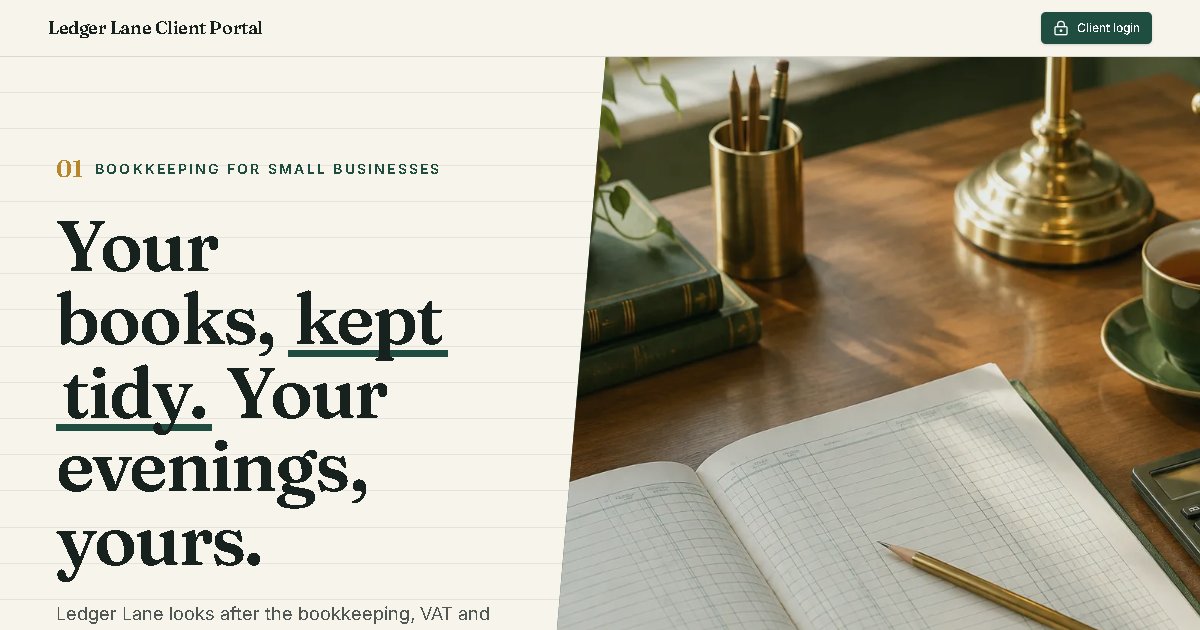
Ledger Lane Bookkeeping is an example business we built to show what TypeAnApp can do. Visit the live site.
If you do anyone's books, you know the email chain: "attached are my receipts", "did you get the bank statement?", "which version of the VAT return is the final one?". A client portal fixes that, but only if one thing is absolutely true: no client can ever see another client's papers. That made our fifth showcase build the strictest security test of the six.
Facts at a glance
- Time to build
- About 9 minutes
- Build credits
- 33.1
- Messages sent
- 3
- Tables
- 6
- Pages
- 8
- Sign-in
- Invite-only
What did we ask for?
What we typed
A client portal for Ledger Lane Bookkeeping, a small bookkeeping practice. It is invite-only: I invite each client by email. Clients sign in to see their own documents (year-end accounts, VAT returns I upload), upload their receipts and bank statements to me, see the status of their tasks (waiting on you, in progress, done) and send me messages. A client must never see another client's documents, tasks or messages. A simple public homepage explains our services with a "Client login" button.
What did it build?
Two halves again: a public homepage for the practice, and the portal behind an invite-only sign-in.
- For clients: an overview, their documents, a page to send files, their tasks grouped into waiting on you, in progress and done, and a private message thread with the bookkeeper.
- For the bookkeeper: a Clients page to add and search clients (with a badge for new files they have sent), and a page per client to share documents, set tasks, see uploads and reply to messages.
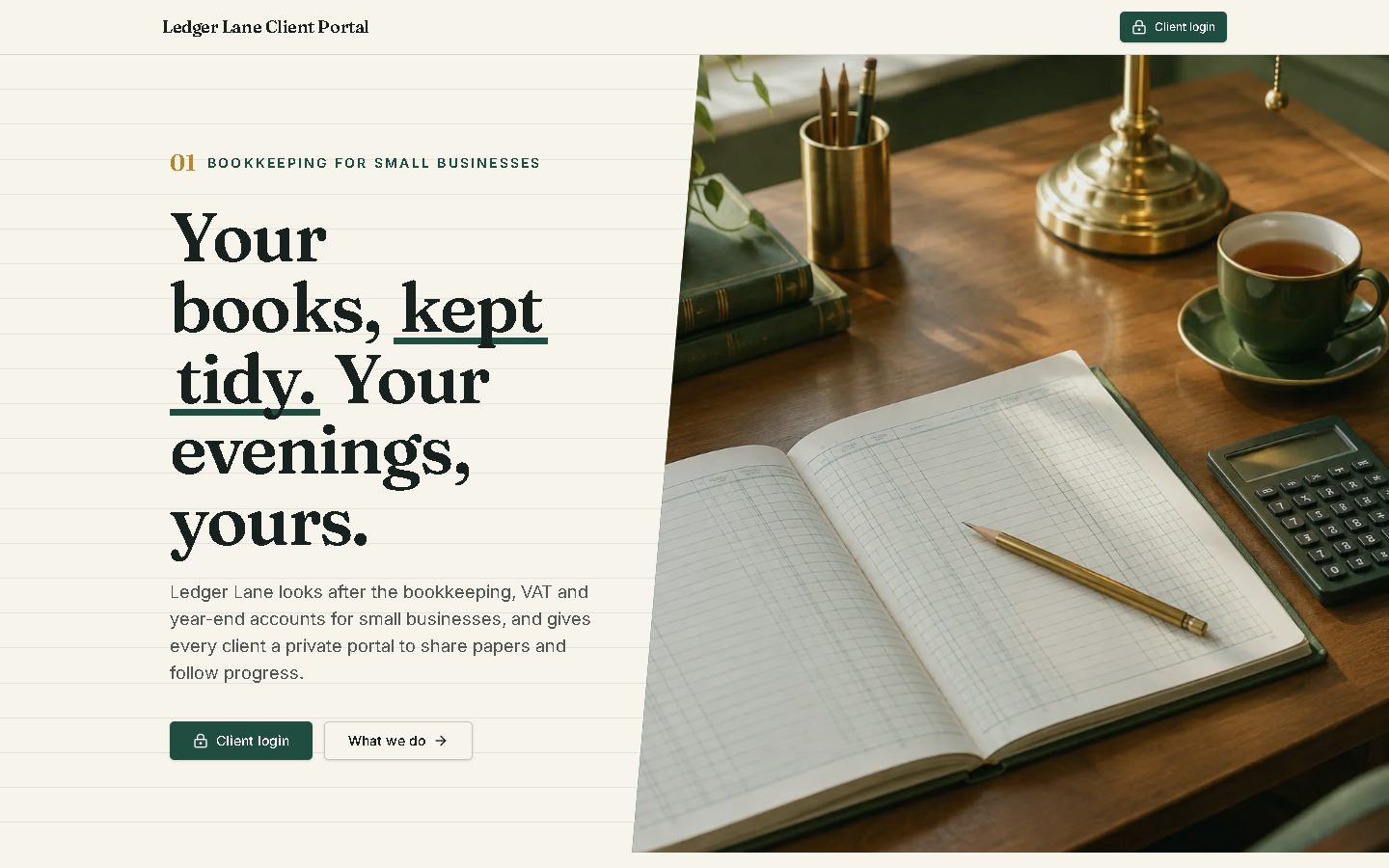
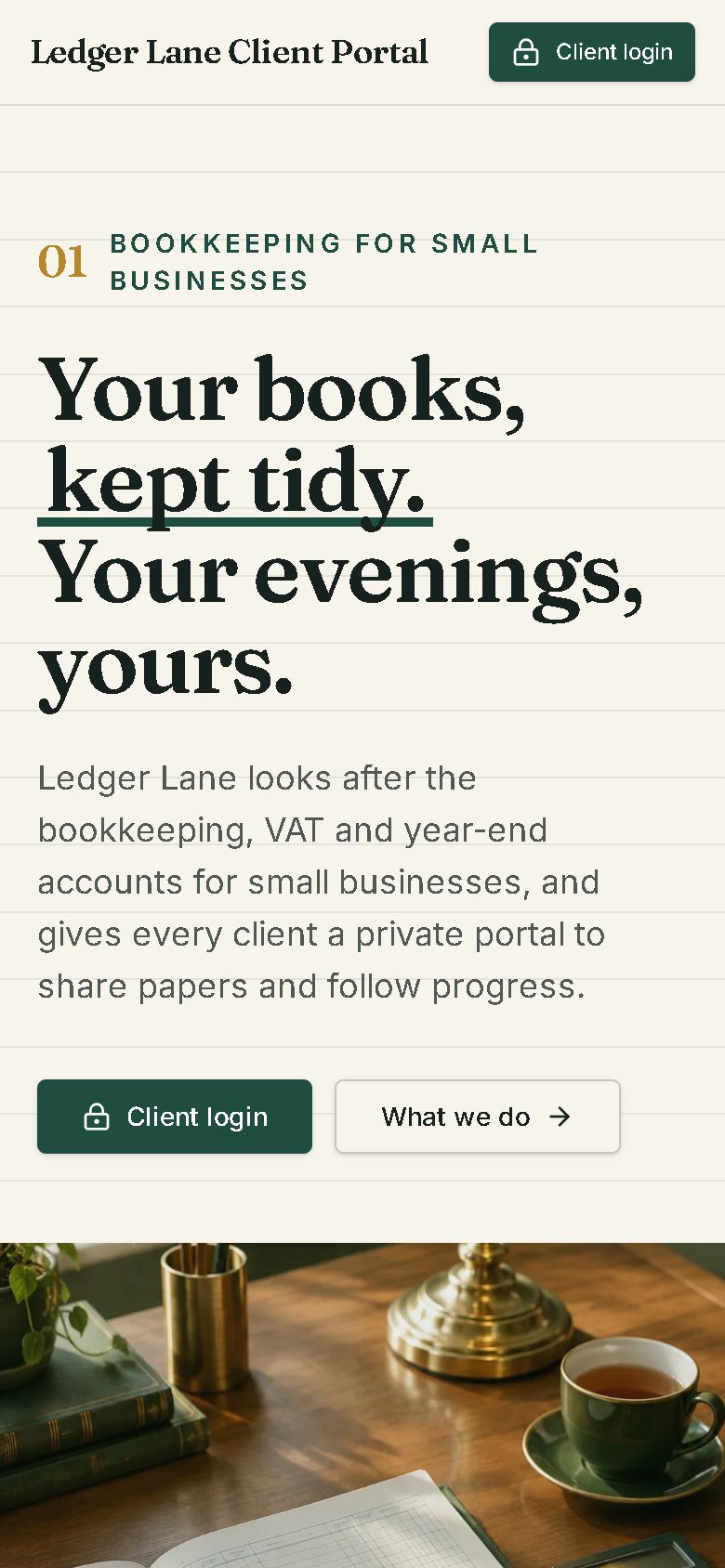
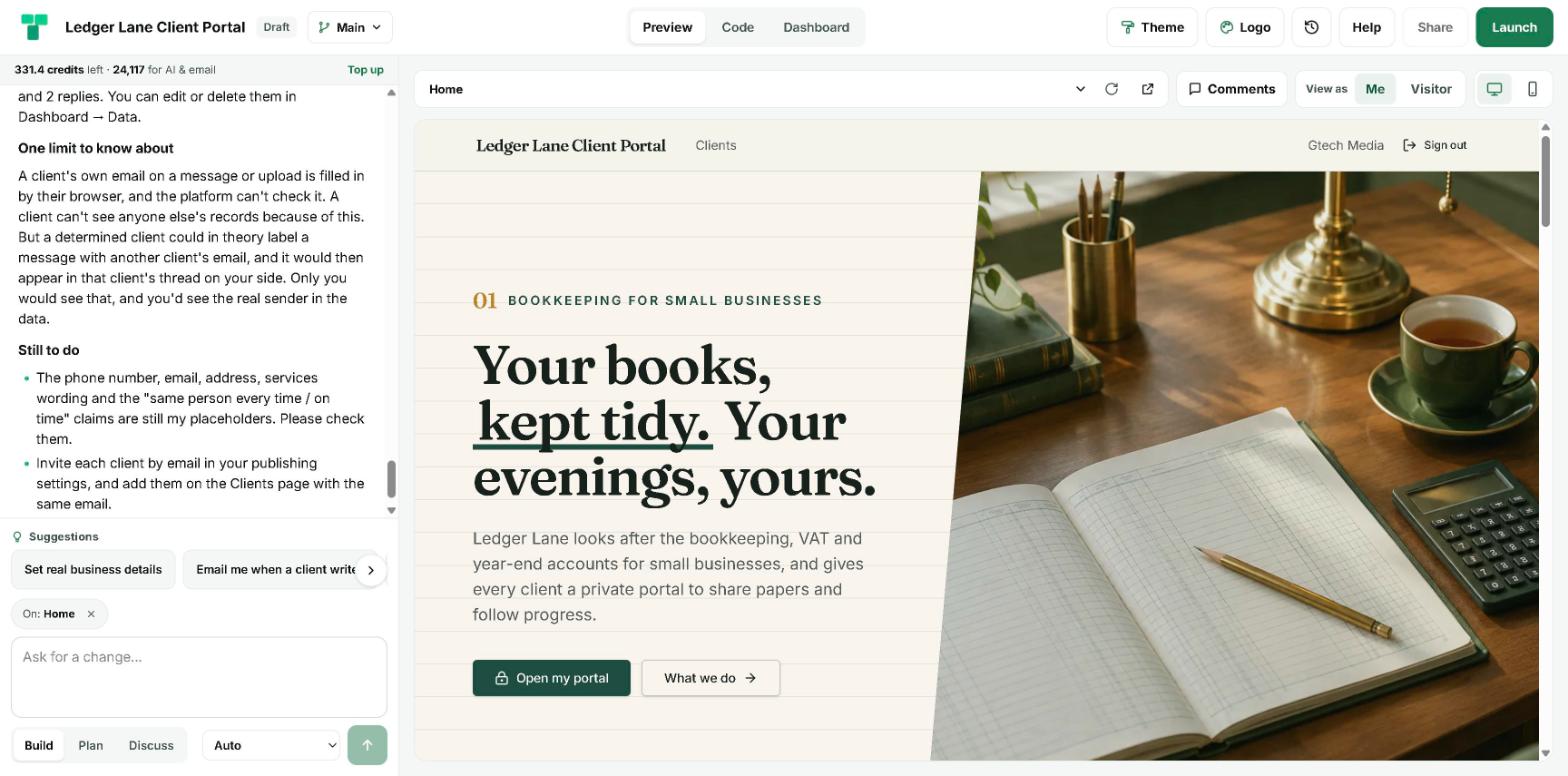
- A public homepage in deep green and brass on ruled paper, with angled section edges, the services (bookkeeping, VAT, year-end accounts, payroll) and an "Open my portal" button.
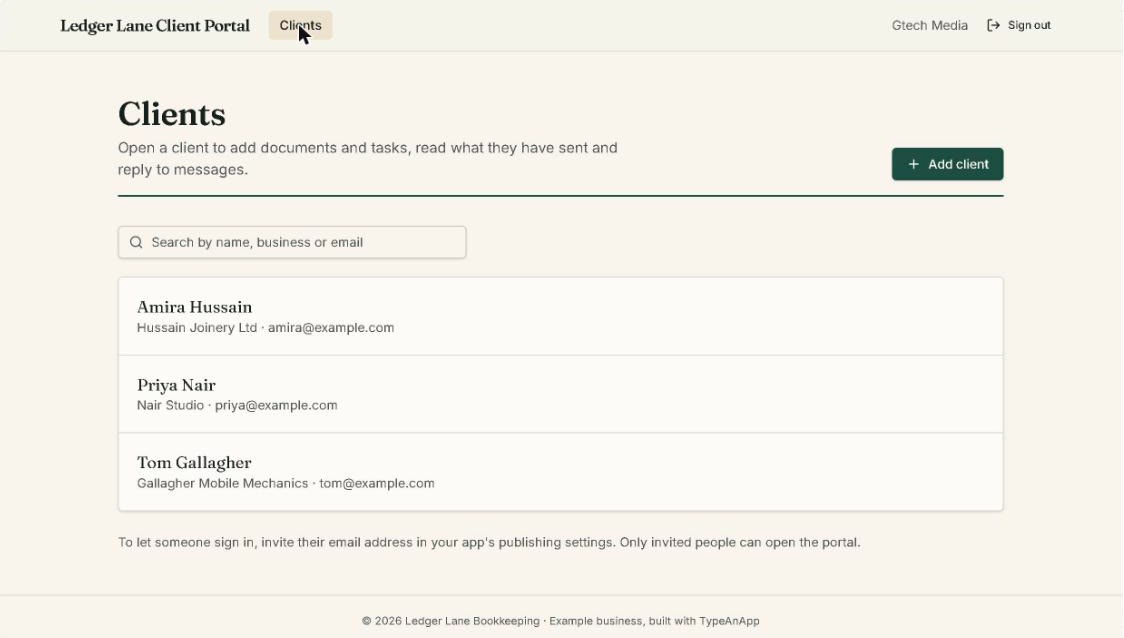
How does it keep clients apart?
Three layers, from the outside in:
- Invite-only sign-in. Only email addresses the bookkeeper invites can open the portal at all.
- Access rules on every table. Documents, tasks, uploads and messages are each readable only by the client they belong to, plus the bookkeeper. Only the bookkeeper can create, change or delete documents and tasks. These rules run on the server for every request.
- Private files. Receipts and statements are stored privately, so a file link only works for the client who sent it and the bookkeeper.
Messages were the interesting design problem. The builder split a conversation into two tables: messages a client sends (readable only by that client and the bookkeeper), and the bookkeeper's replies (writable only by the bookkeeper, readable only by the client they are addressed to). The pages stitch the two back together into one thread.
What needed approving?
When we pressed Launch, two access changes were waiting for the owner: letting any signed-in client add a message, and letting them add an upload, each readable only by its creator. Those are exactly right for a portal, but TypeAnApp never widens access on the AI's word, so it held the launch and gave us the link to approve them in the builder. The owner reads the change in plain words ("Add: admins only → any signed-in user") and decides.
What went wrong, and what is the trade-off?
The first build (5 minutes, 18.1 credits) ran out of steps before the page for a single client was saved. "Please carry on" finished it in 2 minutes 40 seconds for 8.8 credits.
Like several of our builds, it had used two small server steps (backend functions) to file each message and upload under the sender's own email. Backend functions are not switched on on TypeAnApp's live servers yet, so the app check could not package them. We asked it to use tables and access rules instead; it took 1 minute 36 seconds and 6.2 credits, and the check passed.
What about search engines?
Only the public homepage is for search: it gets a proper title, description and social-share tags at launch, plus a robots.txt and sitemap. Everything a client sees is behind invite-only sign-in.
What would a real practice do next?
- Approve the two access changes and launch it as invite-only.
- Invite each client in the publishing settings, and add them on the Clients page with the same email.
- Replace the placeholder phone number, address and service wording.
- Ask for an email whenever a client writes or sends a file (the builder offered it as a suggestion), and save uploads to a Google Drive folder from a workflow.
Frequently asked questions
Can I build a secure client portal without a developer?
Yes. From one paragraph TypeAnApp built an invite-only portal with private documents, uploads, tasks and messages per client, enforced by server-side access rules. It took three messages and about nine minutes.
Can one client see another client's documents?
No. Every table only lets a client read their own records, plus the bookkeeper, and files are stored privately. The server checks this for every request.
How do clients get access?
The portal is invite-only: the bookkeeper invites each client's email in the publishing settings.
What did it cost to build?
33.1 build credits across three messages: 18.1 for the first build, 8.8 to finish it and 6.2 to swap the server steps for tables and rules.
Is Ledger Lane a real bookkeeping practice?
No. It is an example business built for this case study, with sample clients.
Matthew, Developer: Matthew builds TypeAnApp, the AI app builder that turns a plain-words idea into a working website or app. He writes up every showcase build here: what we asked for, what came back, and what we changed.